What this guide covers
- What an IC card actually is
- Suica vs Pasmo: are they different?
- Tourist options: Welcome Suica & Mobile Suica
- How to get one and add money
- Where you can use it
- Putting Suica/PASMO on your phone
- IC card vs Japan Rail Pass
- Tips we learned the hard way
- FAQ
What an IC card actually is
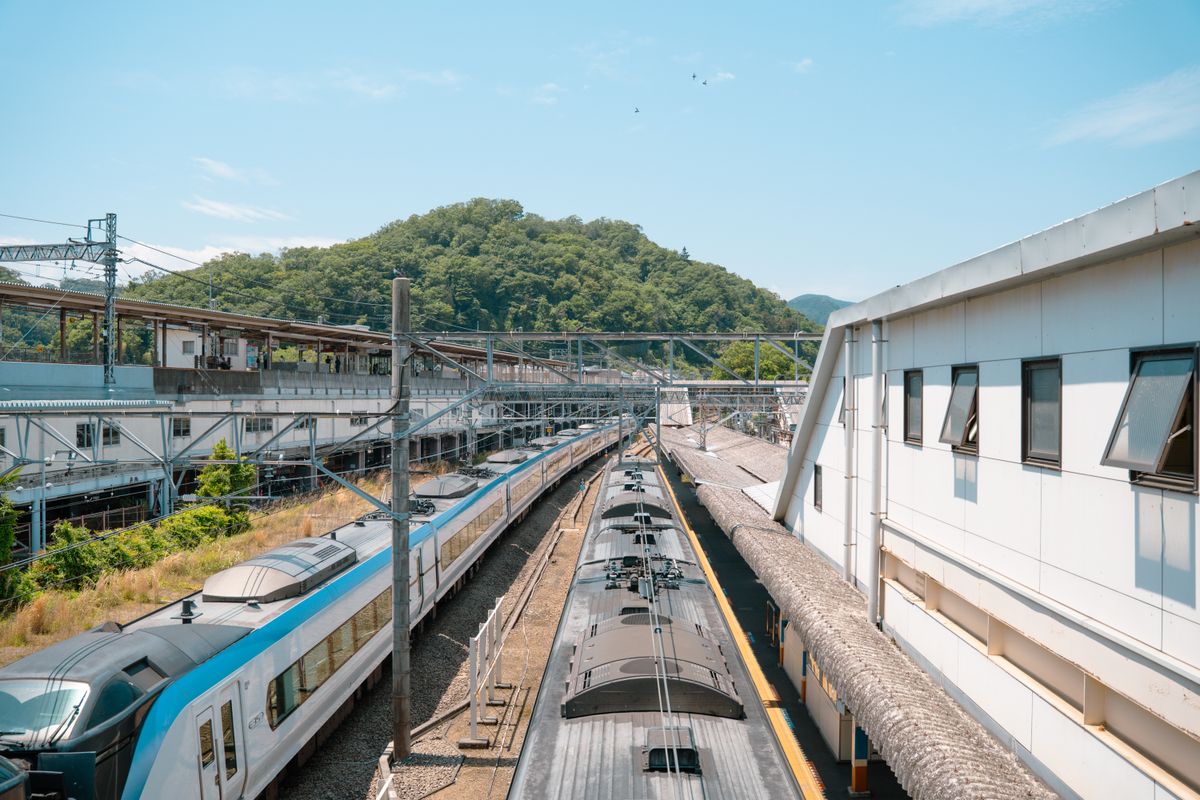
An IC card is a contactless, prepaid “tap-and-go” card you load with yen and then touch to a reader. Instead of working out the exact fare for every train ride — which in Tokyo can mean staring at a fare map in Japanese above the ticket machines — you just tap in at the gate and tap out at your destination, and the correct fare is deducted automatically. The first time we used one, the relief of never again fumbling for coins at a rush-hour gate was worth it on day one.
The cards started as transit passes but have become Japan’s everyday small-payment method. You’ll tap the same card for a subway ride, a bottle of green tea from a platform vending machine, an onigiri at the konbini, and a coin locker to stash your bag.
Suica vs Pasmo: are they actually different?
For a traveler, no — not in any way that matters. Suica is issued by JR East; Pasmo is issued by Tokyo’s private railways and bus operators. Both are accepted interchangeably almost everywhere, because Japan’s ten major IC cards (Suica, Pasmo, ICOCA, PiTaPa, TOICA, manaca, Kitaca, SUGOCA, nimoca, and Hayakaken) are mutually compatible nationwide.
That means a Suica bought in Tokyo works on the subway in Osaka, the streetcar in Hiroshima, and the bus in Fukuoka. The reverse is true too — an ICOCA from Kansai works fine in Tokyo. So the practical advice is simple: get whichever one is in front of you and stop worrying about the brand.
| Suica | Pasmo | |
|---|---|---|
| Issuer | JR East | Tokyo private rail / bus |
| Where it works | Nationwide on almost all transit + shops (identical) | |
| Deposit (physical) | ¥500 (refundable) | |
| On iPhone | Yes (Apple Wallet) | |
| On Android | Mobile Suica (Japanese region setup needed) | Mobile PASMO (same caveat) |
Tourist options: Welcome Suica & Mobile Suica
Because of a chip shortage, standard personalized plastic Suica and Pasmo cards have had on-and-off sales restrictions in recent years, so it’s worth knowing the tourist-friendly routes:
- Welcome Suica — a red card designed for visitors. No ¥500 deposit, and it’s valid for 28 days, after which any remaining balance is forfeited (so don’t over-charge it near the end of your trip). Available at Narita and Haneda airports and major JR East stations.
- Mobile Suica / Mobile PASMO — the option we now recommend to almost everyone with an iPhone. No plastic, no deposit, and you can top up instantly with a credit card via Apple Pay. Set it up before you even land.
If you’re also weighing data options for tapping through all this, see our Japan SIM & data guide — having connectivity on arrival makes the mobile-wallet route far smoother.
How to get one and add money
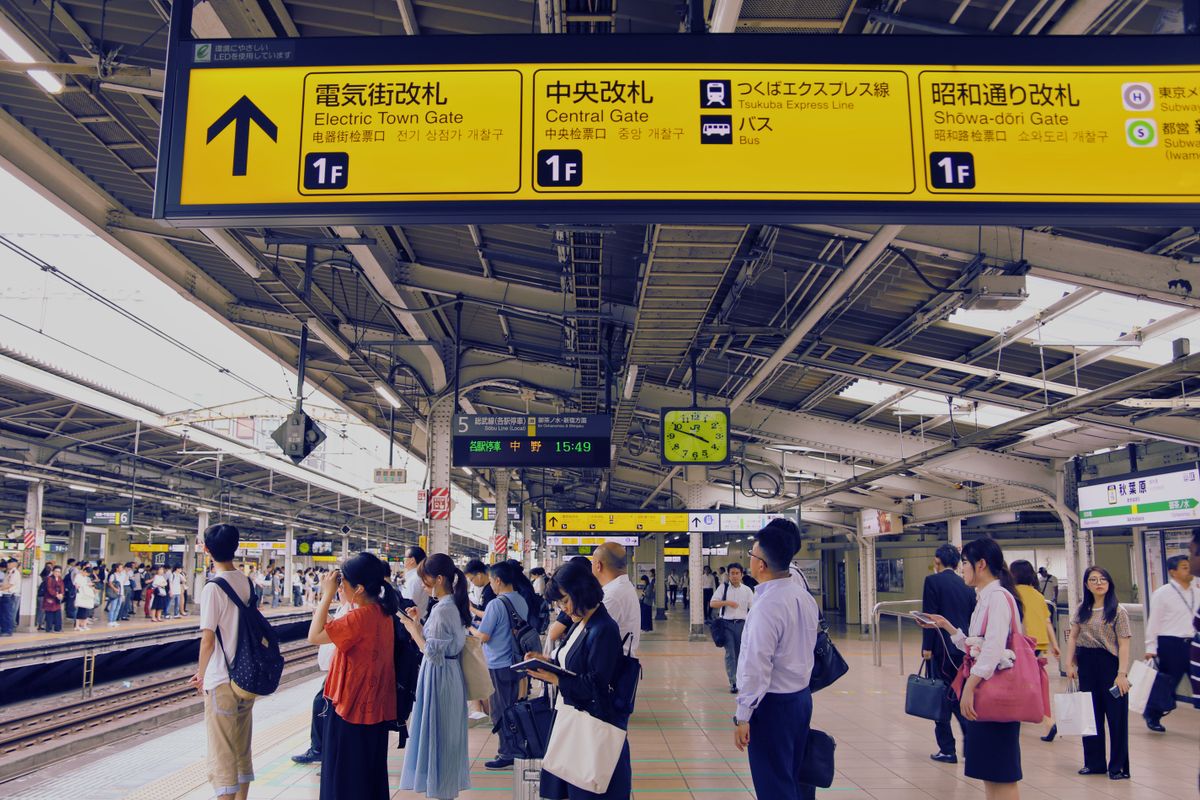
Physical card: Use a ticket machine marked with the Suica/Pasmo logo (switch to English in the top corner), tap “Purchase new card,” choose the amount, and insert cash. Charging (“recharge”) works the same way — most machines take cash only, in ¥1,000 increments, up to a maximum balance of ¥20,000.
iPhone: Open the Wallet app → tap “+” → Transit Card → Suica or PASMO → choose an amount → pay with Apple Pay. No Japanese bank account needed. This works on overseas iPhones and is, frankly, the single best travel tip in this article.
Prefer to have it sorted before arrival? You can find a well-located hotel near a major station on Agoda so you skip the airport queue.
Where you can use it
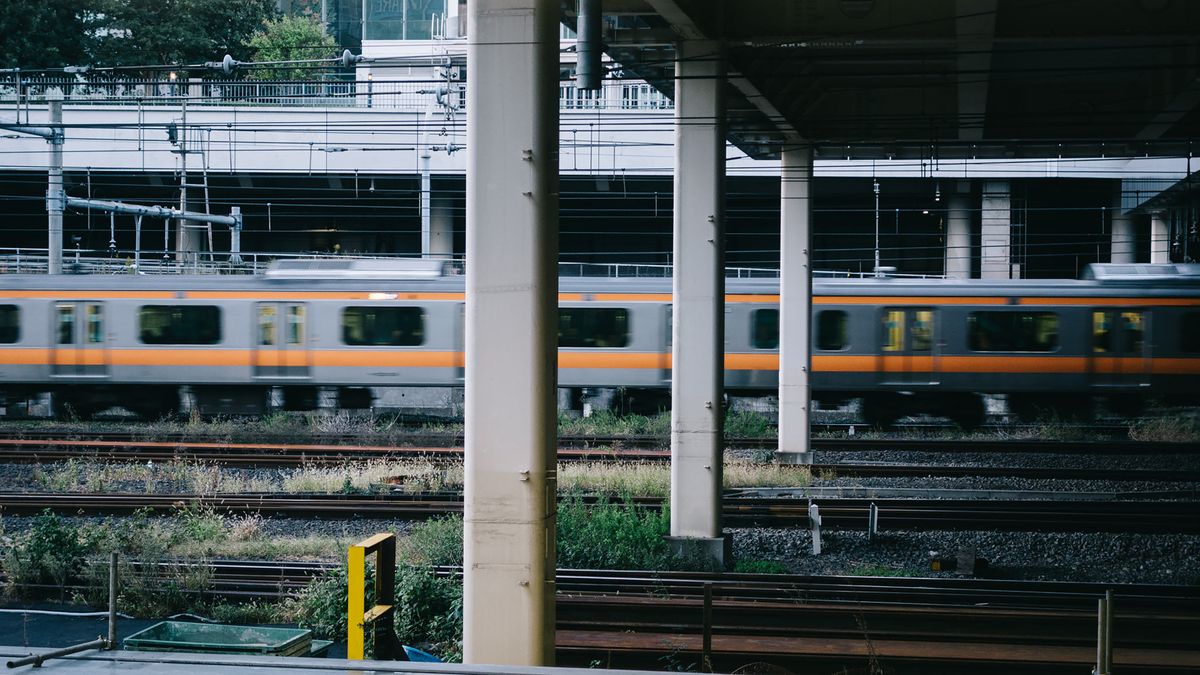
- Trains, subways, monorails, trams, and city buses across the country
- Convenience stores (see our konbini survival guide), supermarkets, and many drugstores
- Vending machines (look for the IC logo)
- Coin lockers in stations — tap to lock, tap the same card to open
- Many taxis, museums, and chain restaurants
One thing it does not cover: long-distance shinkansen fares are a separate system (though you can use Smart EX / touch options in some cases). For the bullet train, see whether a pass makes sense in our Japan Rail Pass guide and our Tokyo to Kyoto transport comparison.
Putting Suica/PASMO on your phone
iPhone (iPhone 8 / Apple Watch Series 3 and later) handles this beautifully: the card lives in Apple Wallet, Express Transit mode lets you tap the gate without unlocking, and you top up anywhere with a tap. Android is trickier for visitors because Mobile Suica/PASMO generally requires a device with Japanese-market NFC (Osaifu-Keitai) and a region setting, so most overseas Android phones can’t add it — Android users are usually better off with a physical Welcome Suica.
IC card vs Japan Rail Pass: which do you need?
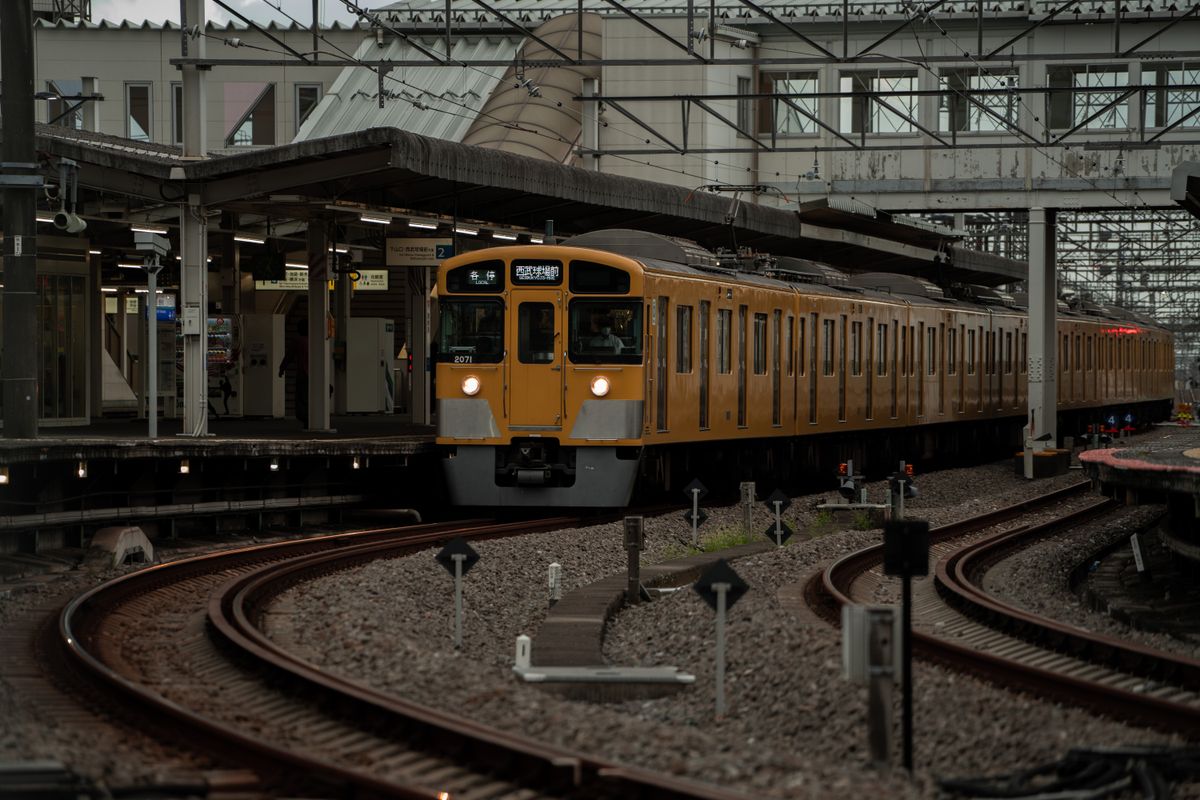
They solve different problems and most travelers use both. An IC card is for everyday local transit and small purchases. The Japan Rail Pass (or regional passes) is for long-distance JR travel, especially the shinkansen. If your trip is mostly within one or two cities, you may not need a rail pass at all — just an IC card. If you’re hopping between regions, read our is the JR Pass worth it? breakdown before buying. New to Japan in general? Start with our first-timer tips.
Tips we learned the hard way
- Don’t over-charge a Welcome Suica near the end. The balance is forfeited after 28 days and the card isn’t refundable, unlike a deposit card.
- Tap out, always. If you forget to tap out, the gate may charge a maximum fare and you’ll need a station attendant to fix it.
- Cash to charge physical cards. Most recharge machines won’t take foreign credit cards — carry some yen, or use the mobile version which takes Apple Pay.
- Refunds: A standard deposit card can be refunded at a JR East (Suica) or Pasmo-network office, minus a handling fee deducted from any remaining balance. Mobile and Welcome Suica work differently — check before you rely on a refund.
Frequently asked questions
Should I get Suica or Pasmo? It genuinely doesn’t matter — they’re interchangeable. Get whichever is available where you are.
Can I use a Tokyo Suica in Kyoto or Osaka? Yes. All ten major IC cards work nationwide on transit and at participating shops.
Do I need a Japanese credit card for Mobile Suica? No. On iPhone you can top up with most overseas cards via Apple Pay.
What’s the maximum I can load? ¥20,000. You can recharge as often as you like up to that ceiling.
Can I pay for the shinkansen with Suica? Not as a normal IC tap — long-distance shinkansen uses separate tickets or services like Smart EX. Use the IC card for local legs.
Is Welcome Suica better than a normal Suica? For short trips, yes — no deposit and no refund hassle. Just spend down the balance before you leave, since it expires in 28 days.
🗾 Planning your trip? Get our free 7-Day Japan Itinerary (PDF)
Day-by-day Tokyo → Kyoto → Osaka plan with real prices and essential phrases — sent straight to your inbox.
Going to Japan? Talk to locals with confidence.
Hirameki Japanese — instant offline translation, camera translation, furigana + romaji, and 314 free flashcards. No login. Works without internet.

Plan your Japan trip
Two things every first-timer should book
Some links are affiliate links. If you book through them we may earn a small commission at no extra cost to you.